
How Much AI Is Acceptable? School and Work Rules, Level by Level
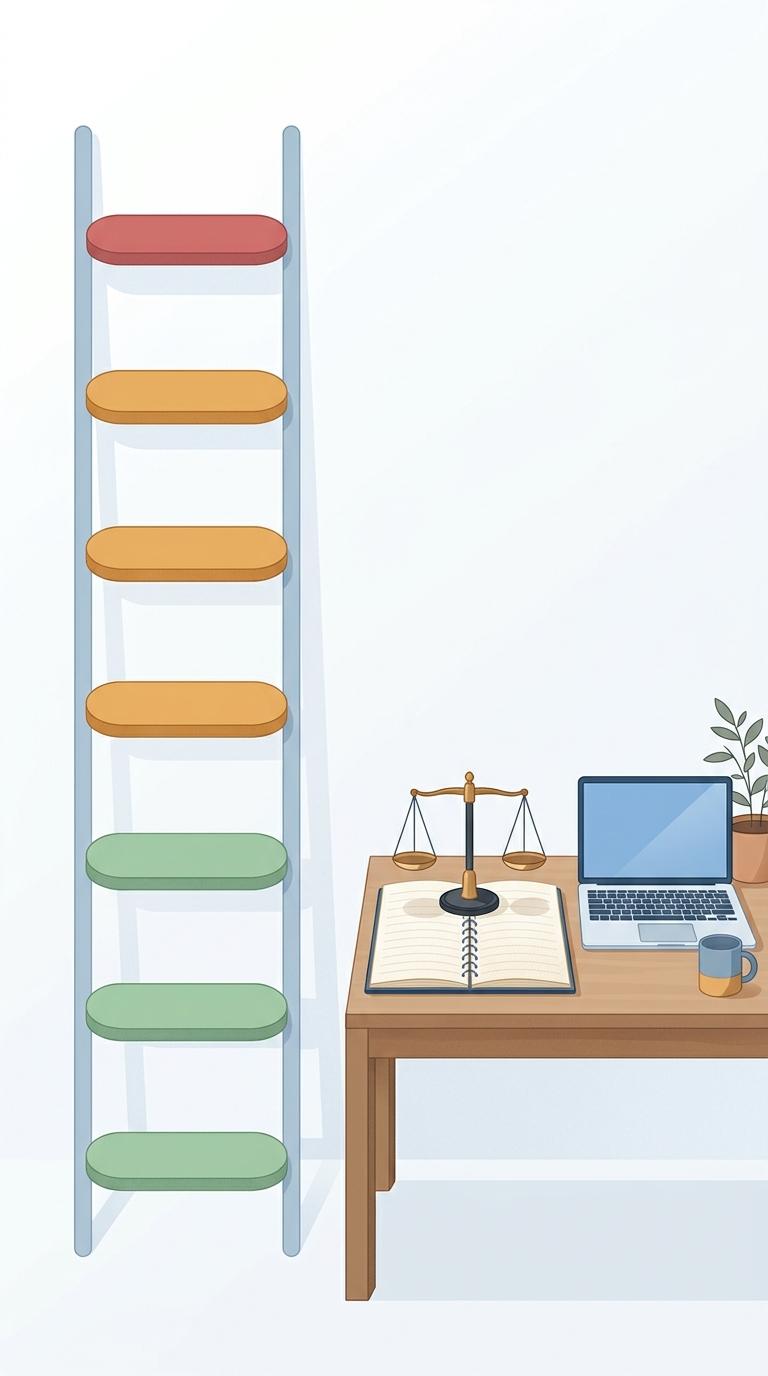
There is no acceptable percentage of AI that applies everywhere. What decides it is the job you gave the AI: helping you learn, fixing surface errors, or producing the work you hand in. The policies we checked (Stanford, UCL, Springer Nature and Elsevier) allow the first two where they cover them, unless a task bans AI outright. They ban or restrict the third unless your teacher or editor says otherwise, and expect you to say how you used AI beyond basic fixes.
In a Pew Research Center survey published in February 2026, 54% of US teens said they had used chatbots for help with schoolwork, and one in ten said they do all or most of their schoolwork that way. Below are the actual rules, current as of November 2026, for each kind of AI help at school and at work.
Is there an acceptable AI percentage?
No. None of the policies in this guide sets an acceptable AI percentage, so there is no official "15%" or "30%" rule in them. A threshold you see quoted is usually one school's or teacher's choice, or a detector company's own banding.
The number people worry about often comes from a detector, and it measures something else. Turnitin, a widely used detector, says in its own guide to the AI writing report that scores between 1% and 19% are not shown at all: the report displays an asterisk instead, because its testing found more false positives in that range. The same guide says the score "should not be used as the sole basis for adverse actions against a student." So a 20%, 30% or 40% score is not a verdict either. From 20% up, Turnitin shows the number, but it is a reason to look closer and talk, not a ruling.
A detector score estimates whether text reads like AI output. It does not measure how much help you had, and it does not know your rules. Two consequences follow:
- A low score does not make banned help acceptable. If your course forbids AI-written paragraphs, rewording them until a detector stays quiet is still a breach.
- A high score is not proof you broke a rule. Honest writing gets flagged, which is why some universities do not use detectors. Stanford's guidance says AI detection tools "are not currently used" to evaluate student work, and UCL says it is "not investing in GenAI detection software."
If you wrote the work yourself and still got a high score, keep your drafts and ask to talk it through. Our guide to how accurate AI detectors are covers the research and what to do next. A free check like our AI detector is useful for one thing: seeing whether your own draft reads as generic before you submit it. It gives an estimate, not proof, and it does not check Turnitin or any other detector.
How much AI help is allowed in an essay or report? Six levels
A more useful question is: what did the AI do? Here is one assignment, a short essay or report, done with six different kinds of help. The table compares two current policies: Stanford's default for courses without their own AI rule (adopted October 15, 2026) and the risk levels Springer Nature uses for journal papers. The last column is our reading of both.
| What you ask the AI to do | Stanford default (no course rule) | Springer Nature (research papers) | Our reading |
|---|---|---|---|
| 1. Quiz you, explain a concept, give practice problems | Permitted | Not covered | Fine |
| 2. Fix spelling, grammar and punctuation | Permitted, no disclosure needed | Green: "polish or refine the language" | Fine |
| 3. Suggest ideas or angles to explore | Not listed as permitted: ask, and disclose | Green: "stress-testing research questions". Amber: suggesting methods | Often allowed if disclosed: ask first |
| 4. Suggest an outline or structure | Not listed as permitted (surface edits must not "materially alter" organization): ask, and disclose | Green: "suggesting structure or formatting" | Ask first, disclose |
| 5. Heavily rewrite paragraphs you wrote | Goes beyond the surface-edit allowance: ask, and disclose | Amber: "extensive copy editing or writing support" | Grey zone: ask first |
| 6. Write the essay or report, or parts of it | Not permitted | Amber for drafting explanatory summaries; red for AI-generated core reasoning without disclosure | Not OK unless the task says so |
Three things stand out.
Surface edits are the safest use. Stanford allows editing that "does not materially alter the substance, analysis, organization, or argument" of your work, such as spelling, grammar, punctuation and formatting, and does not require disclosure for it. Elsevier's journal policy likewise does not require a declaration for basic spelling, grammar and punctuation checks. A grammar checker fits this level when you keep only its spelling, grammar and punctuation fixes. It can also reword unclear sentences, so compare its version with your draft and keep only the changes that leave your meaning and structure as they were. Accepting whole sentences reworded is closer to level 5: Elsevier, for example, says substantive changes to sentence structure or organization should be disclosed.
Using AI as a tutor is treated like using a tutor. Stanford's practical guideline: if a human tutor would be allowed for a task, the learning uses above (self-quizzing, Socratic questioning, extra practice problems) are likely allowed too.
Writing the deliverable is where school policies stop you. Stanford's default says students "may not use AI tools to create deliverables (e.g., assignments, projects, presentations, essays, reports)." UCL's assistive category says the student should still be the author and that AI "should not be completing the assessment (entirely or only in part)." Partly AI-written counts. The journal policies we checked allow more, with disclosure: Springer Nature puts drafting explanatory summaries at amber, not red.
Two uses are off limits in every policy we checked: inventing sources and presenting AI work as your own judgment. Springer Nature lists fabricating "data, citations or results" as not permitted, and Stanford says citations to sources that do not exist may prompt an academic integrity review. You are responsible for every fact and reference you hand in.
Your teacher's rule beats any default
The table shows defaults. The rule written for your course or assignment comes first.
- Stanford's default only applies when the instructor has not given course or assignment rules in writing.
- UCL gives its staff three categories to label each assessment: AI cannot be used, AI in an assistive role, or AI as an integral part of the task. UCL calls them a resource rather than a formal policy, says the assessment brief takes precedence, and is reviewing the categories during 2026/27.
- Some tasks require AI. In UCL's third category, effective and responsible use of AI is likely to be part of the marking criteria. The same help that is banned in one module can be expected in the next.
So before you start, find the AI rule in the syllabus, the assignment brief or the course page. If it is missing or vague, ask in writing ("May I use AI to suggest an outline if I write every sentence myself?") and keep the reply. That email beats any detector score if questions come up later.
Is it OK to use AI at work, or is it cheating?
It depends on your employer's rules, but at work you are rarely judged on doing a task without help, so the question is usually less about cheating. Exceptions include tests of your own skill, such as certification exams and hiring take-home tasks that do not allow AI, and client work you were hired to produce yourself. Otherwise, the rules that matter are about data, accountability and honesty.
What you paste in. The UK government's AI Playbook (February 2025), written for government and public-sector teams, notes that with public tools such as ChatGPT or Gemini you "cannot easily control the data input to the models" and "must rely on educating users on what data they can and cannot enter."
Springer Nature's policy says manuscripts and sensitive data "must not be shared with unsecured or public AI systems." A sensible rule follows from both: customer data, personal data, contracts, code and anything confidential go only into tools your employer has approved.
Who answers for the result. The same playbook asks for "meaningful human control at the right stages." In practice, a report, an email or a piece of code is yours once you send it, including its mistakes. Check facts, numbers and names before you send AI-assisted work.
What your employer says. If your employer has an AI policy, check which tools it approves and which uses it rules out. In the EU, Article 4 of the AI Act has applied since 2 February 2025 to providers and deployers of AI systems, which include employers that use them. As amended in 2026, it asks them to "take measures to support the development of AI literacy" of their staff, without requiring a guaranteed level. If you have not seen your company's policy, ask for it.
Being honest with the people you work for. No single rule covers every case, so use a simple test: would your manager, client or reader feel misled if they learned how the piece was made? If so, tell them. AI help that a reasonable person would expect, such as grammar fixes, rarely needs a note. A report a client is paying you to write yourself does.
How to say you used AI
When disclosure is needed, a short, specific note is enough. UCL asks students to acknowledge AI use but says they do not need to cite it, because AI does not offer a stable source of information. Elsevier asks authors to put a separate declaration just before the references. A note might look like this:
I used ChatGPT to suggest three possible structures for this report and chose one. I wrote all the text myself and used a grammar checker for spelling and grammar. All sources were found and checked by me.
At work, one line in an email or a document footer usually does it: "First draft summarized from the meeting notes with Claude, then checked and edited by me." Say which tool, what it did, and what you checked. Vague notes like "AI may have been used" help no one.
A two-minute check before you hand it in
- Find the rule. Course or assignment AI policy, journal policy, or employer policy. If there is none, ask.
- Name the level. Which of the six uses above did you rely on? If it is level 5 or 6, make sure the rule allows it.
- Check every fact and source. Open each reference. Delete anything you cannot confirm.
- Make sure you can explain it. Stanford expects students to be able to explain and elaborate on their work. If you could not defend a paragraph in conversation, rewrite it.
- Disclose what needs disclosing. One specific sentence, as above.
- Keep your drafts. Version history, notes and outlines show how the work was made far better than a score can. Our guide to what counts as plagiarism has more on citing sources correctly.
The bottom line
"How much AI is acceptable?" has no percentage answer: ask what the AI did instead. Under the policies we checked, grammar fixes and tutoring are fine unless a task bans AI, outlines and ideas usually need a question and a note, and AI-written coursework is out unless the task allows it; at work, watch your data and check the result. When the rule is unclear, ask, disclose, and keep your drafts.